
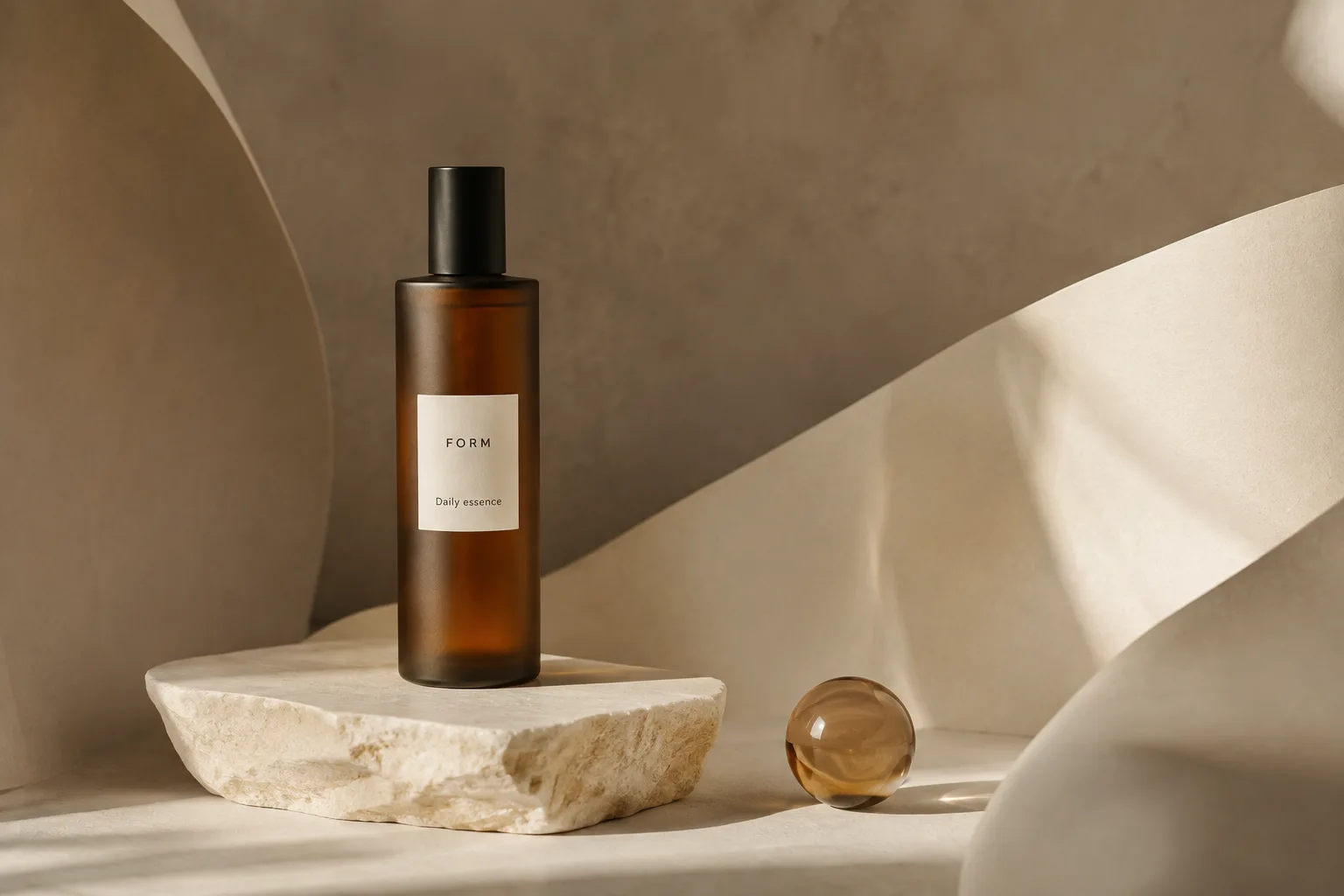
Start with a product you can describe.
An accurate reference and a specific brief give you a clearer starting point. Upload a product image you have permission to use, explain which details matter, and describe the scene you want to explore.
Separate the subject from the setting.
Keep the product reference on your board while you try a new surface, light direction, or background. A focused instruction such as “soft side light on pale stone, with room on the right for a headline” is easier to assess than a long list of competing styles.
Compare before you commit.
Review variations together. Look for a composition that works at its intended size, and check the product shape, color, and label against your source image. AI generation can alter these details; a visually appealing result may still need retouching or may not be suitable for a product listing.
Build a useful set.
Gather the selected images on the board and export them for your design workflow. Keep original photography as your source of truth. Vellum is useful for exploring product imagery, but it does not guarantee exact reproduction or replace your final review.