
1. Accept your invitation.
Use the email address that received your invitation to sign in. We send a one-time sign-in link; it expires after fifteen minutes. If the link has expired or was already used, request another.
2. Create a board.
Choose a starter kit or create a project from the home screen. Give the board a name that tells you what it is for. Start with a bounded task, such as a new background direction for a single product.
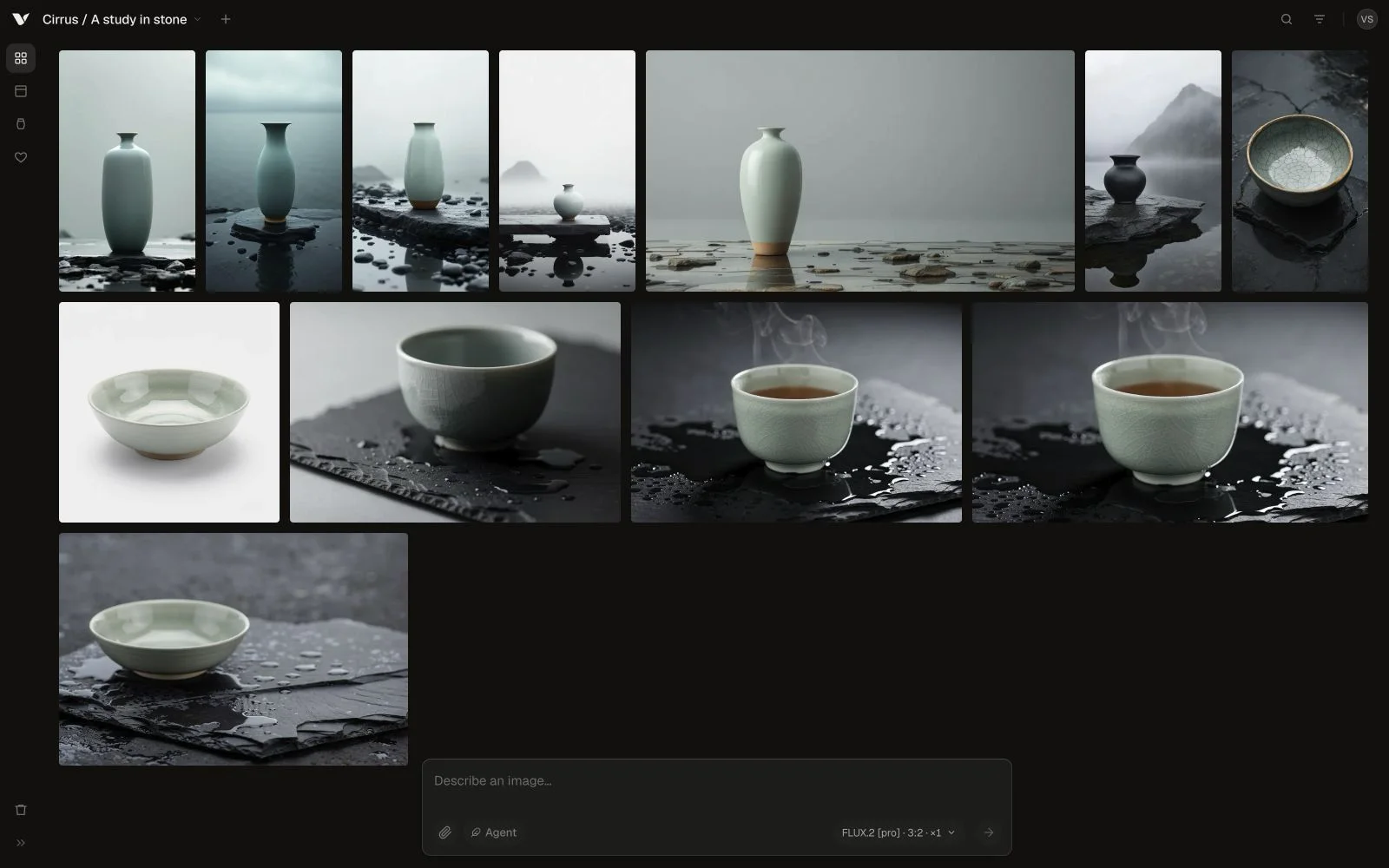
3. Add an authorized reference.
Upload an image you have permission to use. Tell Vellum which parts of the reference should inform the result and which details need to remain recognizable. Keep originals outside the app as well.
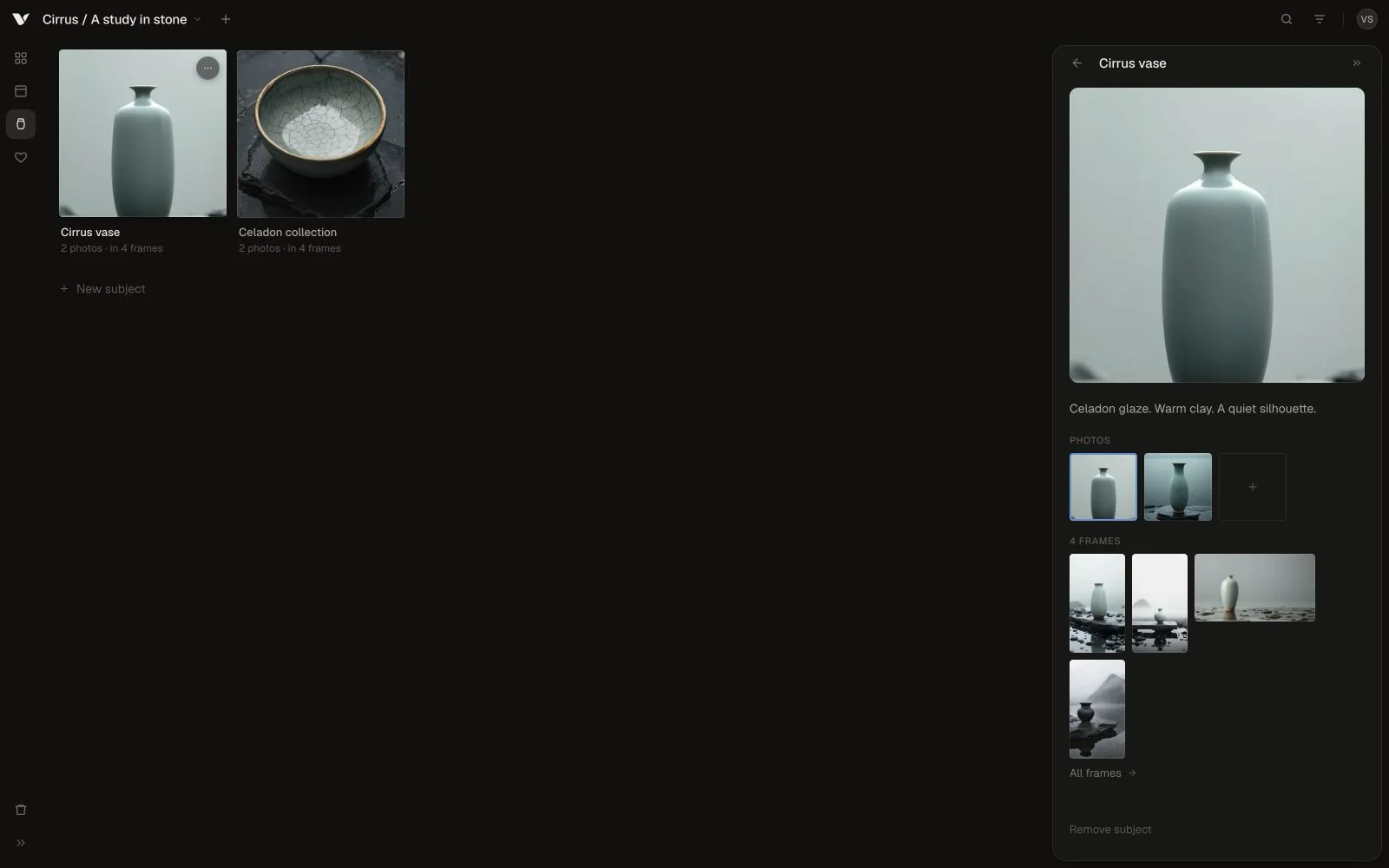
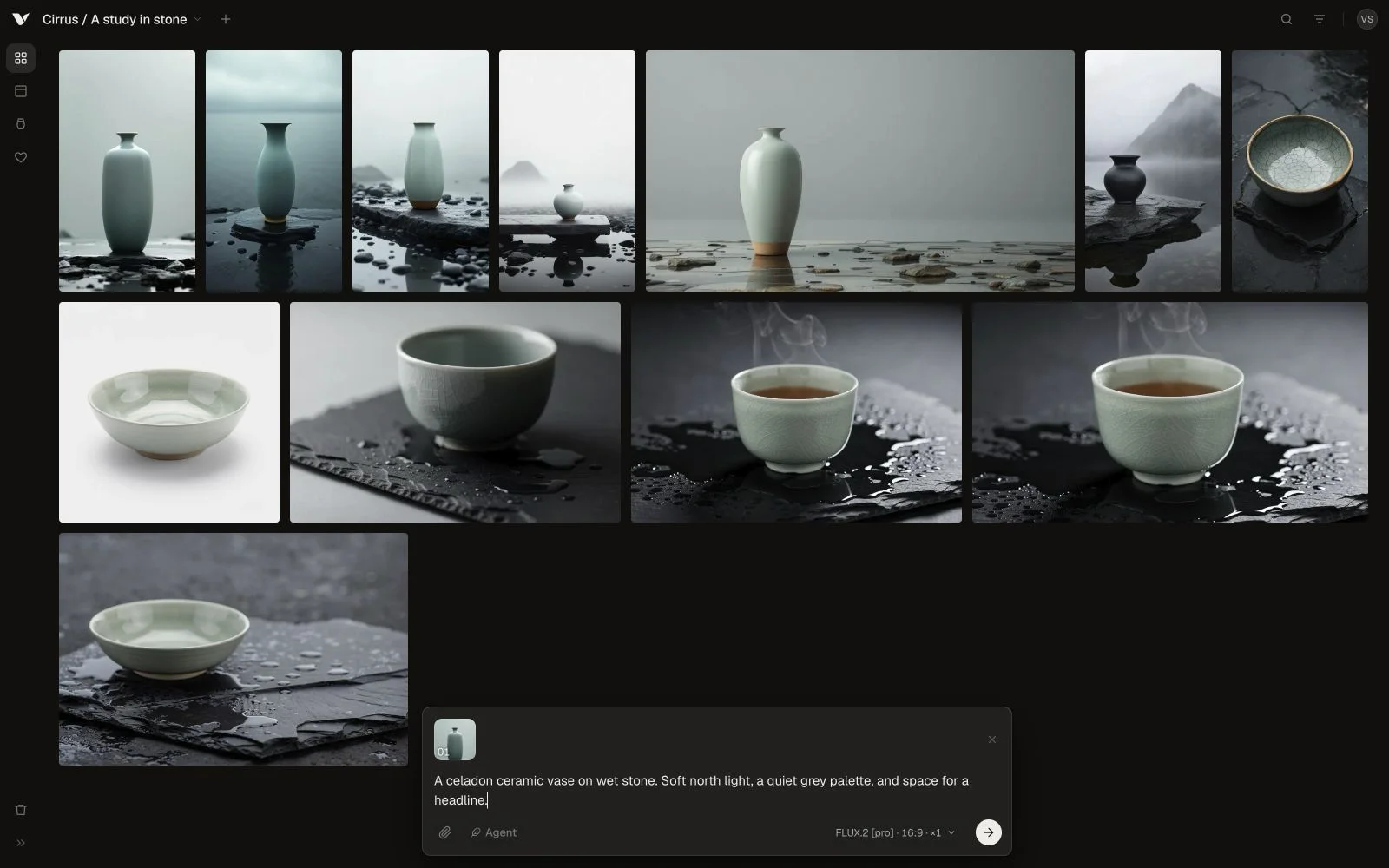
4. Make the first image.
Write a clear brief: the subject, its setting, the light, and the intended composition. Choose a model and start with a small run. Generation and Agent work use credits; check your balance in Account.
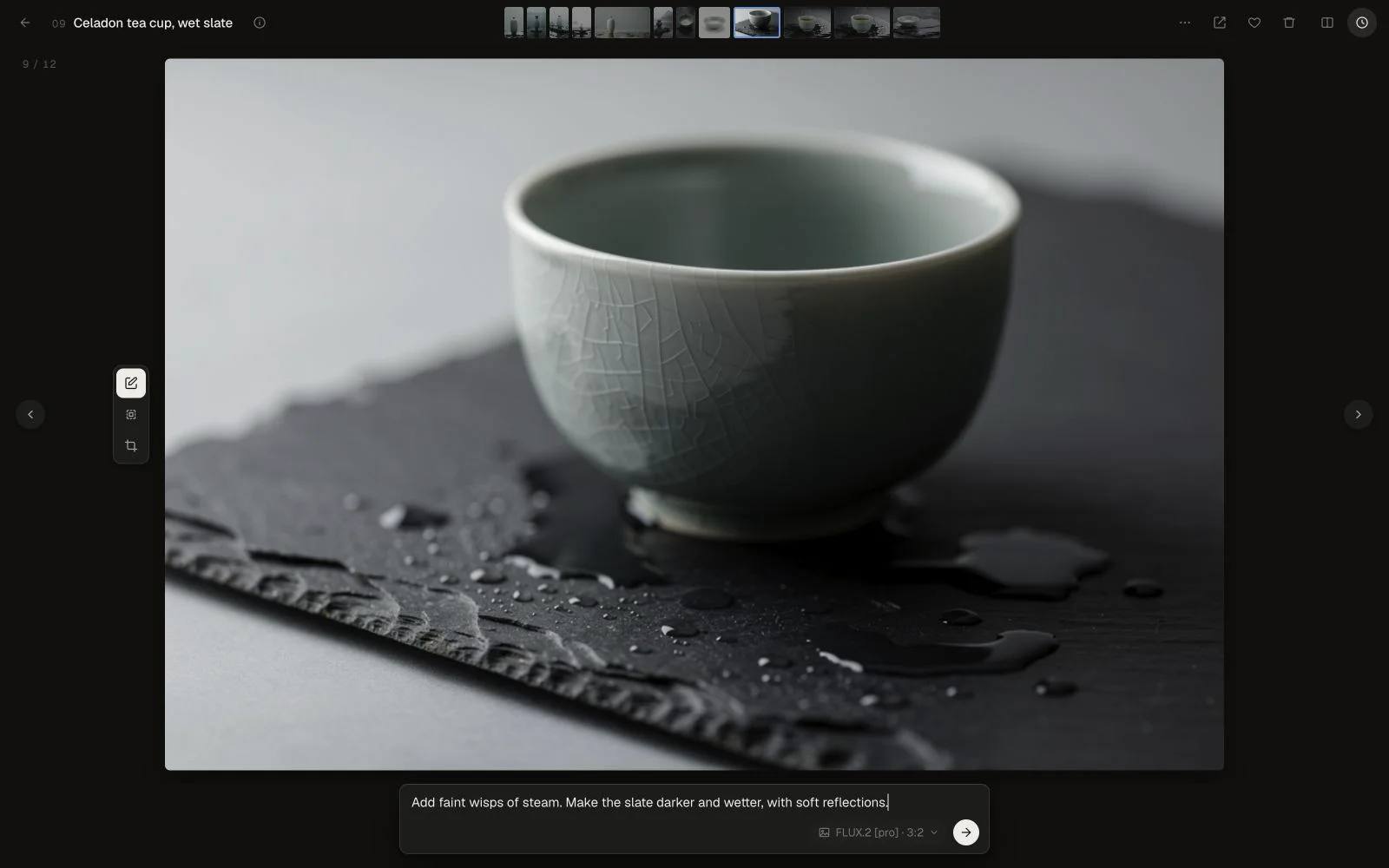
5. Refine and compare.
Ask for a specific change and compare the result with the previous version. Inspect any product details, text, or other elements that need to be accurate. You can stop a run if you need to change direction.
6. Export what works.
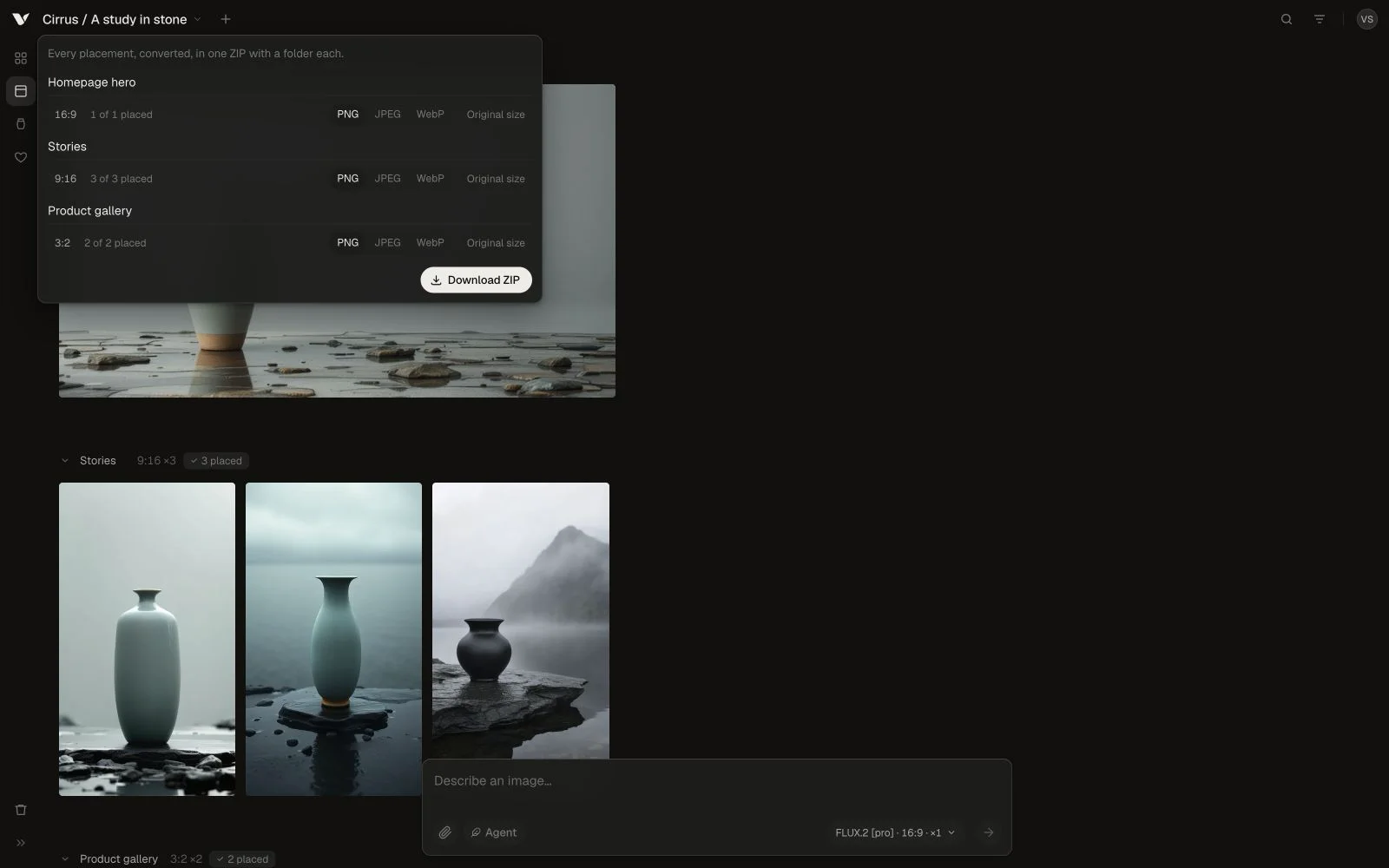
Select the images you want to keep and download them, or export the set from your board. Check the downloaded files before relying on them for a deadline.
Know the beta limits.
Your account supports up to 50 boards and a 500 MB stored-media allowance. Each board supports up to 2,000 image frames. Uploaded and generated media count toward storage. If you reach a limit, export work you need to keep and contact support before continuing.
When something gets in the way.
If a run fails, check the message and your connection before retrying. Repeated errors, unexpected results, and confusing steps are all useful beta feedback. Contact support@vellum.gallery with the board or run identifier and what you expected. Avoid emailing private images or sensitive prompts unless needed and agreed.